Running Desktop as a Standalone Chrome Application
One typical headache when using the desktop inside a browser tab is that keyboard shortcuts like Ctrl+W or Ctrl+F4 get intercepted by the browser itself, not the app.
The easiest workaround is to turn it into a separate Chrome application (and this works for Chromium-based browsers, too).
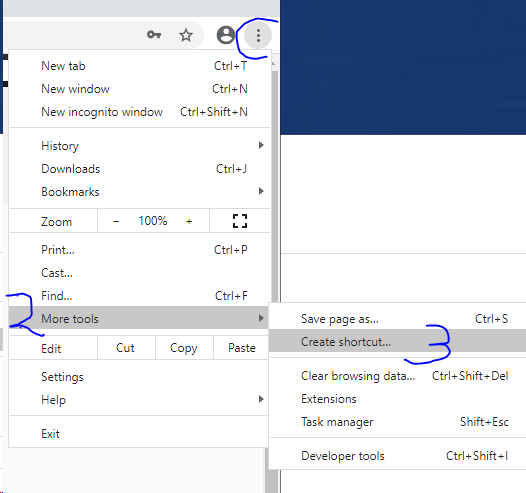
1. Head to More Tools → Create shortcut... and place it on your computer’s desktop.
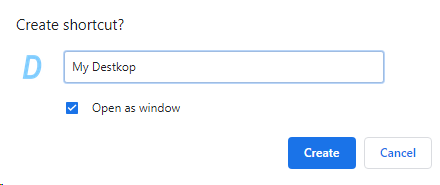
2. While creating the shortcut, pick the “Open as window” option.
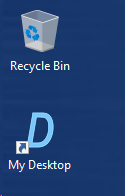
3. Launch your app by double‑clicking the shortcut you just placed on the Desktop.
4. Start using the app and enjoy having all your keyboard shortcuts working properly.