Managing All Users
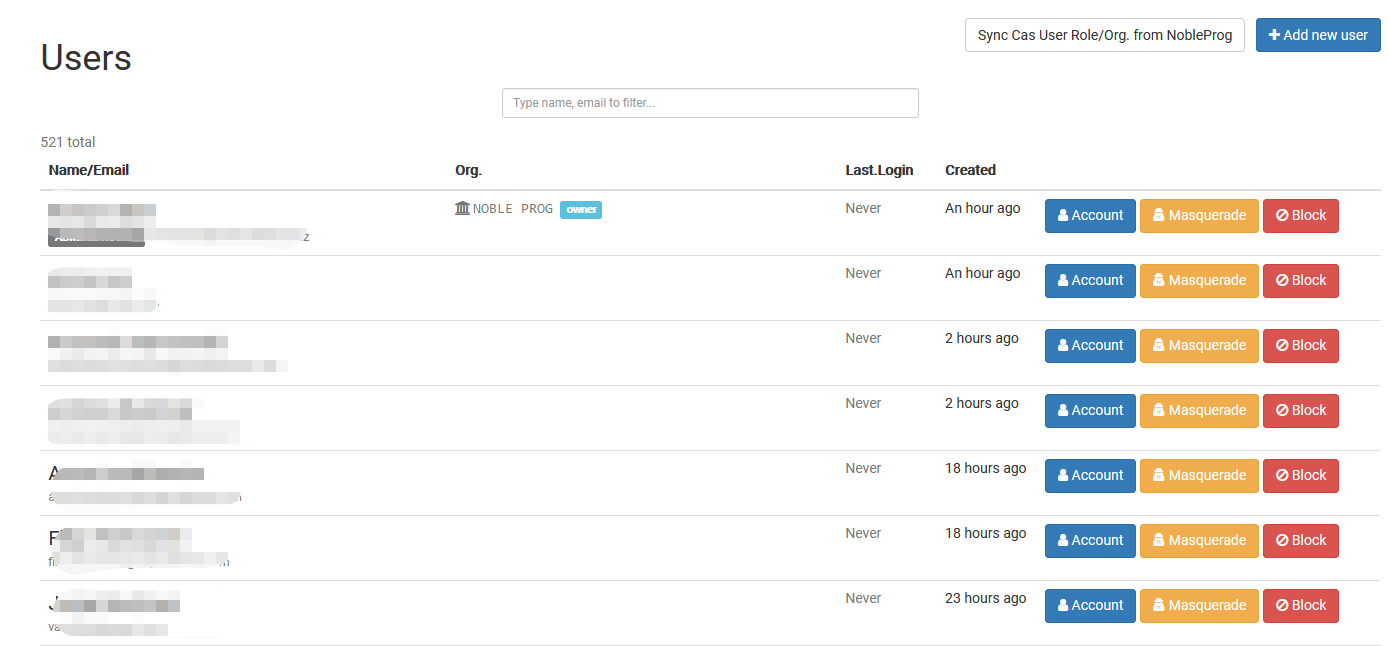
The Managing All Users page acts as a central hub where Super Administrators can oversee and handle every user account throughout the complete DaDesktop setup. It lets Super Administrators swiftly find users, check account details, and carry out management actions—all from one unified interface.
This page is built to manage users across every organization, simplifying account monitoring, verifying user information, and keeping records up to date. It’s only accessible to those with Super Administrator rights.