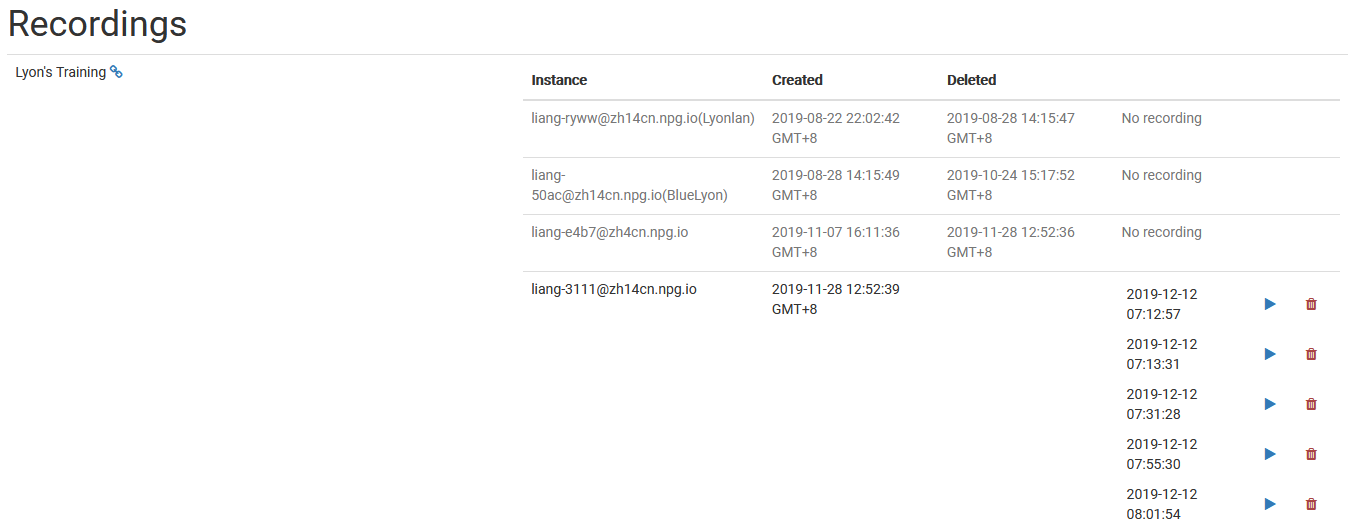
Managing Recordings
The Managing Recordings page gives Super Administrators a dedicated spot to view and handle all recordings made in DaDesktop. It acts as a centralized hub for checking in on available recordings, making it simpler to keep things tidy and clear out anything that’s no longer useful.
Recording Management
From this page, administrators can scan through the recording list and check specific details. That way, it’s easier to keep an eye on what’s stored across the platform in Poland and step in with upkeep whenever it makes sense.
Deleting Recordings
Whenever a recording has served its purpose, you can remove it right from the management view. Clearing out old recordings helps maintain order in the system and frees up storage space. Just be sure to only delete what’s truly done—this is meant as a final cleanup step.