Getting Started with Standalone
-
Click "Connect"
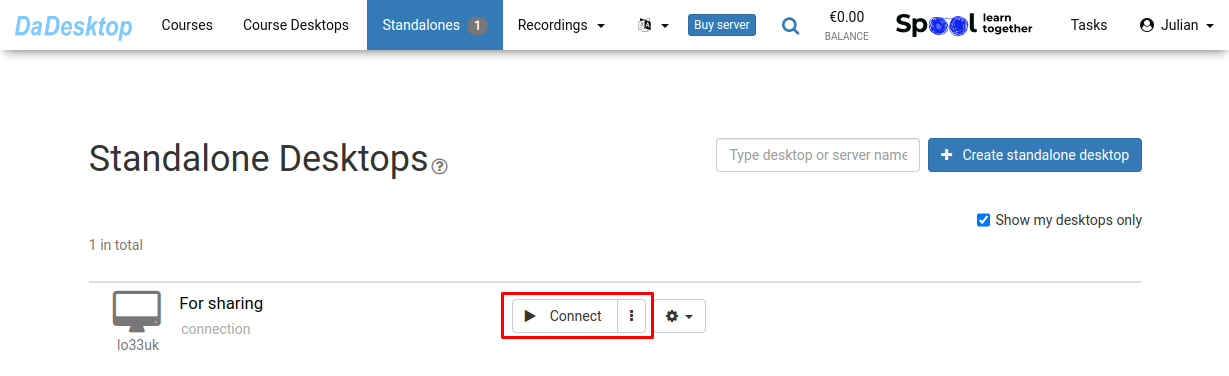
-
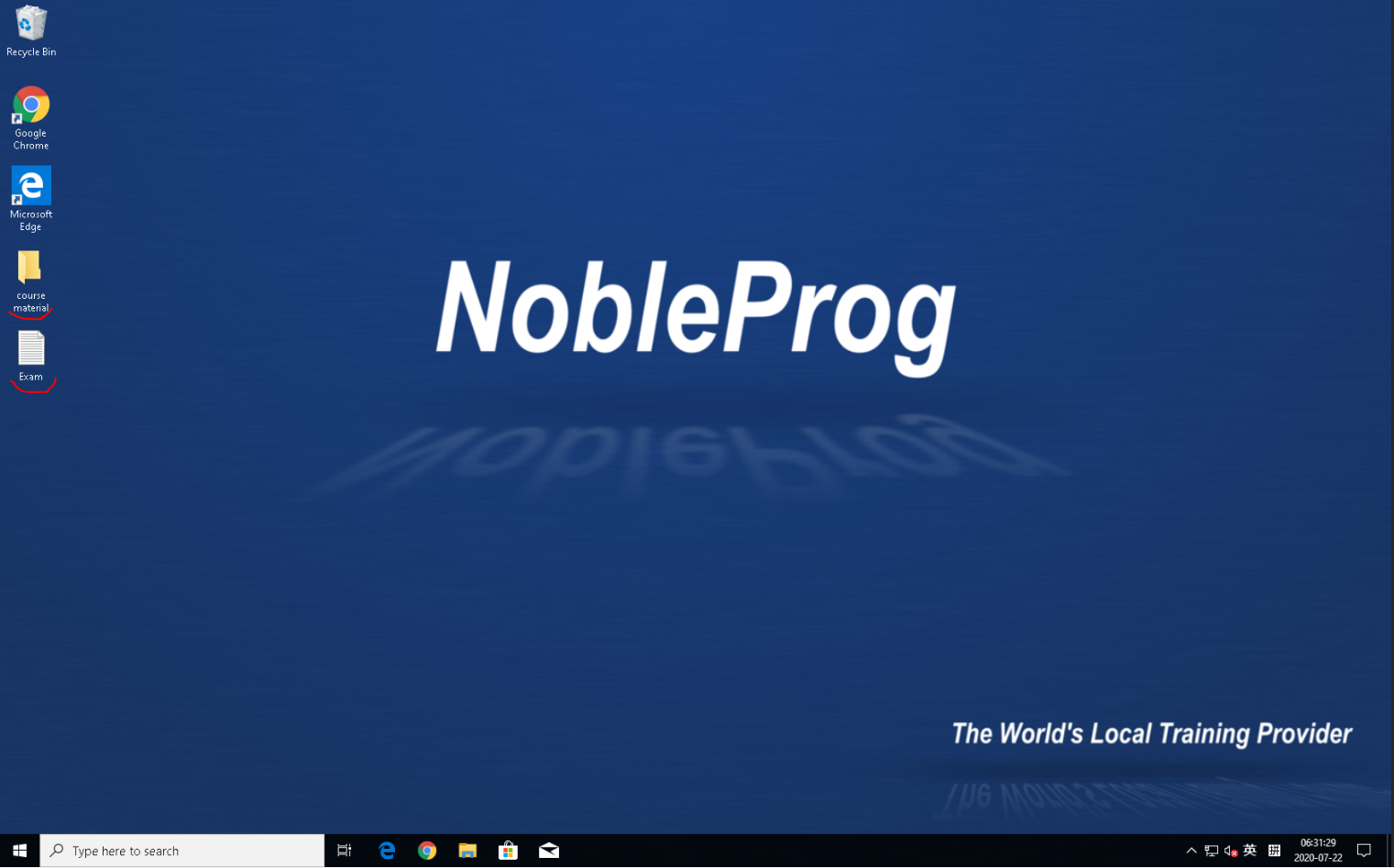
Configure your Standalone: install the software, add your course materials, and set up any supporting tools
-
Our platform includes a web-based virtual desktop called DaDesktop, where you can prepare your course just like you would on your own personal laptop
-
You only need to set up the course desktop once; when you click "Clone to participants", everyone gets the same ready-to-use environment