What Are Fresh-Start, Trainer, Participant, and Standalone Machines?
DaDesktop is an advanced training platform that delivers accessible cloud machines for training courses Poland, along with admin tools to easily manage the desktop machines on each course.
To make this possible, DaDesktop employs several similar yet distinct desktop machine types for running these courses.
Here's a breakdown of the different machine types in use.
Fresh-Start Machine
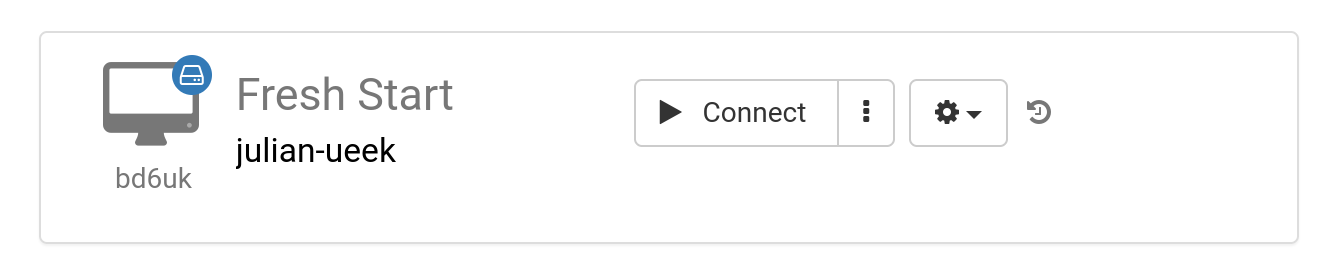
A 'Fresh-Start' is the DaDesktop machine where the trainer builds and prepares course materials. Once it's complete, this Fresh-Start machine is duplicated to all participants' desktops, ready for their upcoming course. You can think of a Fresh-Start as a kind of 'golden image' that can be rolled back if issues arise on either the trainer's or participants' machines.
Trainer Machine
A 'Trainer' machine is what the trainer uses to present course material to participants throughout the course. This machine's state evolves from the original Fresh-Start, since software applications and libraries related to the subject are typically installed, configured, and run by the trainer(s) during the course.
When multiple trainers lead a course, there will be several trainer machines.

Participant Machine
Each participant uses a 'Participant' machine during the course to carry out installations, configurations, and exercises under the trainer's guidance.

Typically, Fresh-Start, Trainer and Participant machines are automatically removed shortly after the course ends. That's why there's one additional machine type available, not tied to any course, which you can keep for as long as you need: the 'Standalone'.
Standalone Machine
A 'Standalone' machine isn't necessarily used during a course. As its name suggests, it 'stands alone' as a separate machine you can use before or after a course, or entirely on its own without any course connection. This makes the Standalone especially flexible.

Common scenarios for creating Standalone desktops include:
- Preparing training course materials that can be reused repeatedly outside of any specific course, or kept for later use as needed.
- When you need a flexible machine, possibly with a different operating system (Linux, Windows), to test ideas in a safe environment.