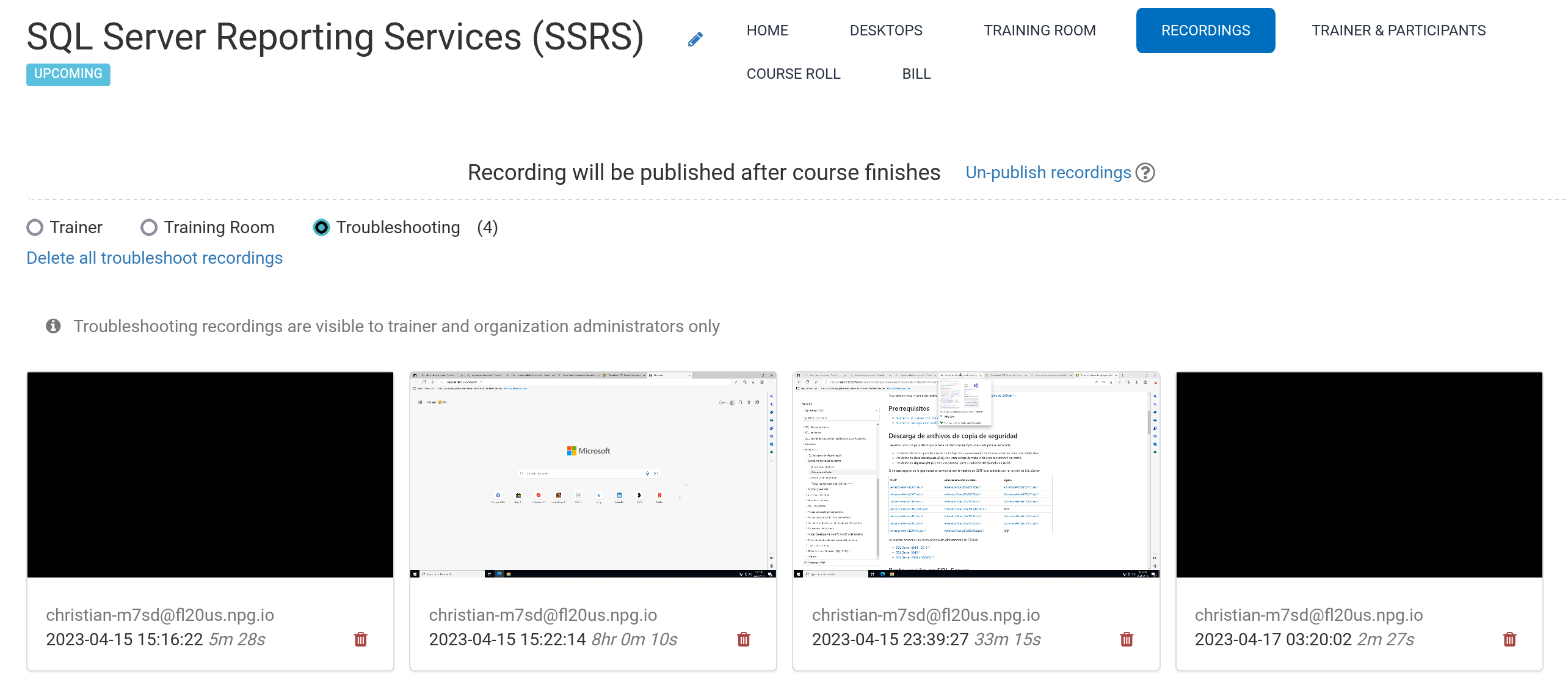
Automatic course recordings (Trainer's Desktop)
The system automatically captures recordings of the Trainer's Desktop—and the Training Room if it's used—throughout the course.
Click the red button again to end the recording.
Trainers can delete recordings as needed. While preparing the course, troubleshooting recordings are also generated automatically, but they exist solely to help resolve any setup issues if necessary.
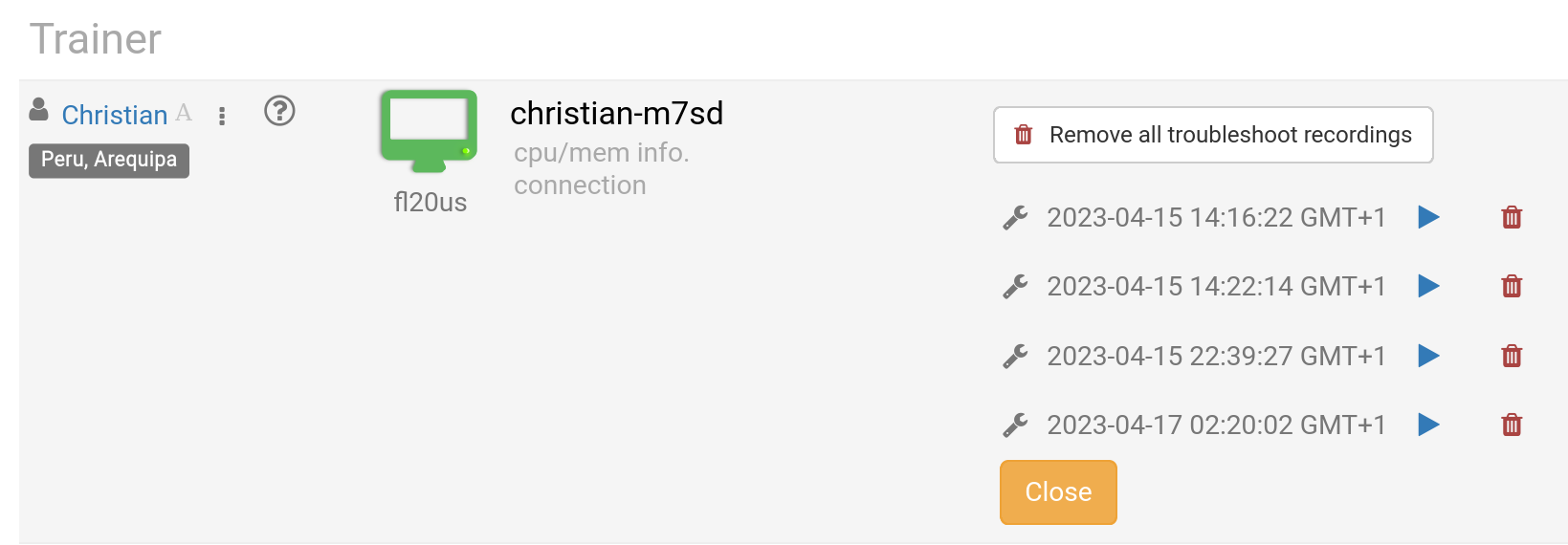
Find your recordings under Recording. They're organized into three categories:
- Trainer
- Training Room
- Troubleshooting
Only Trainer and Training Room recordings can be shared externally.