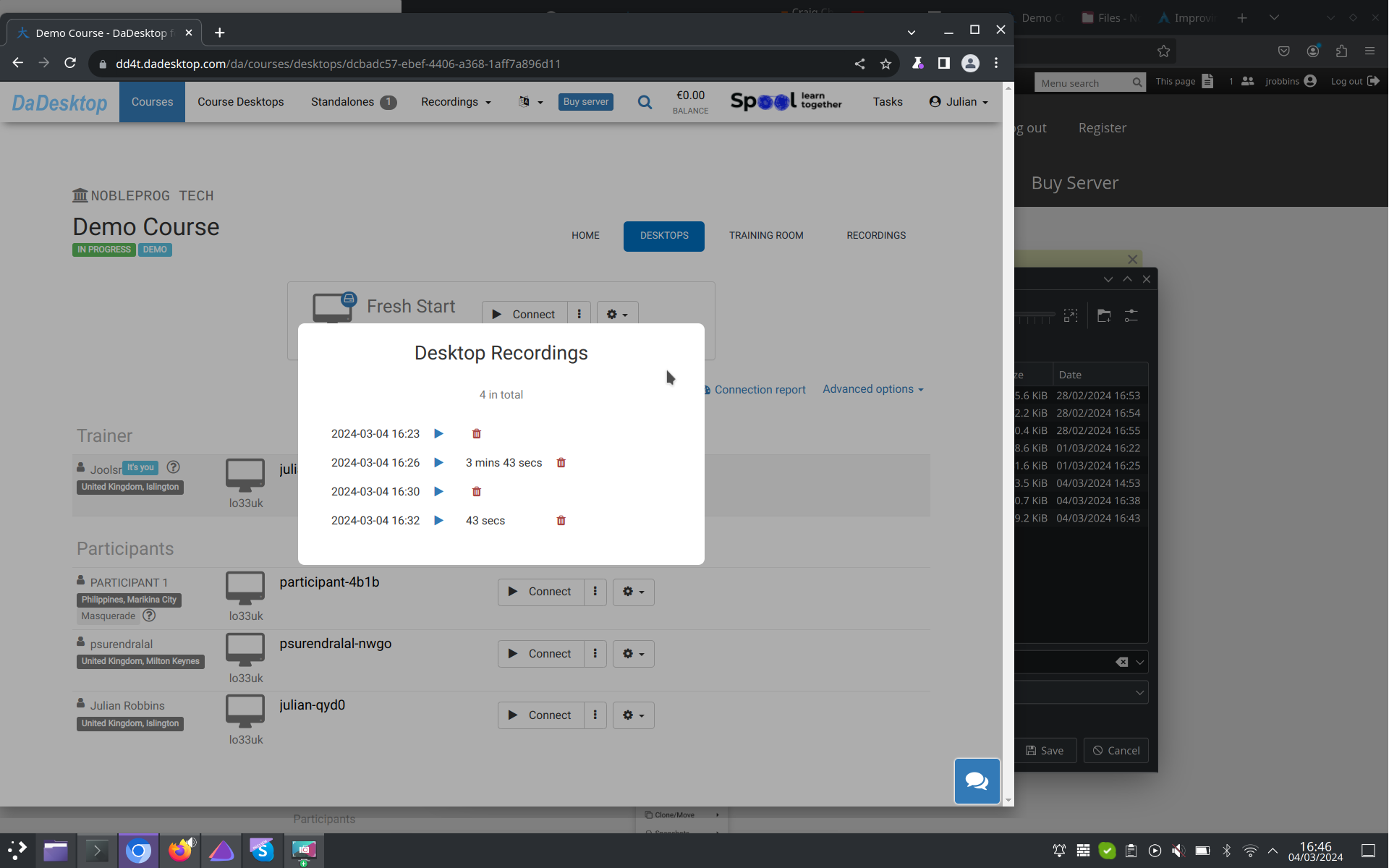
Auto-Session Recording
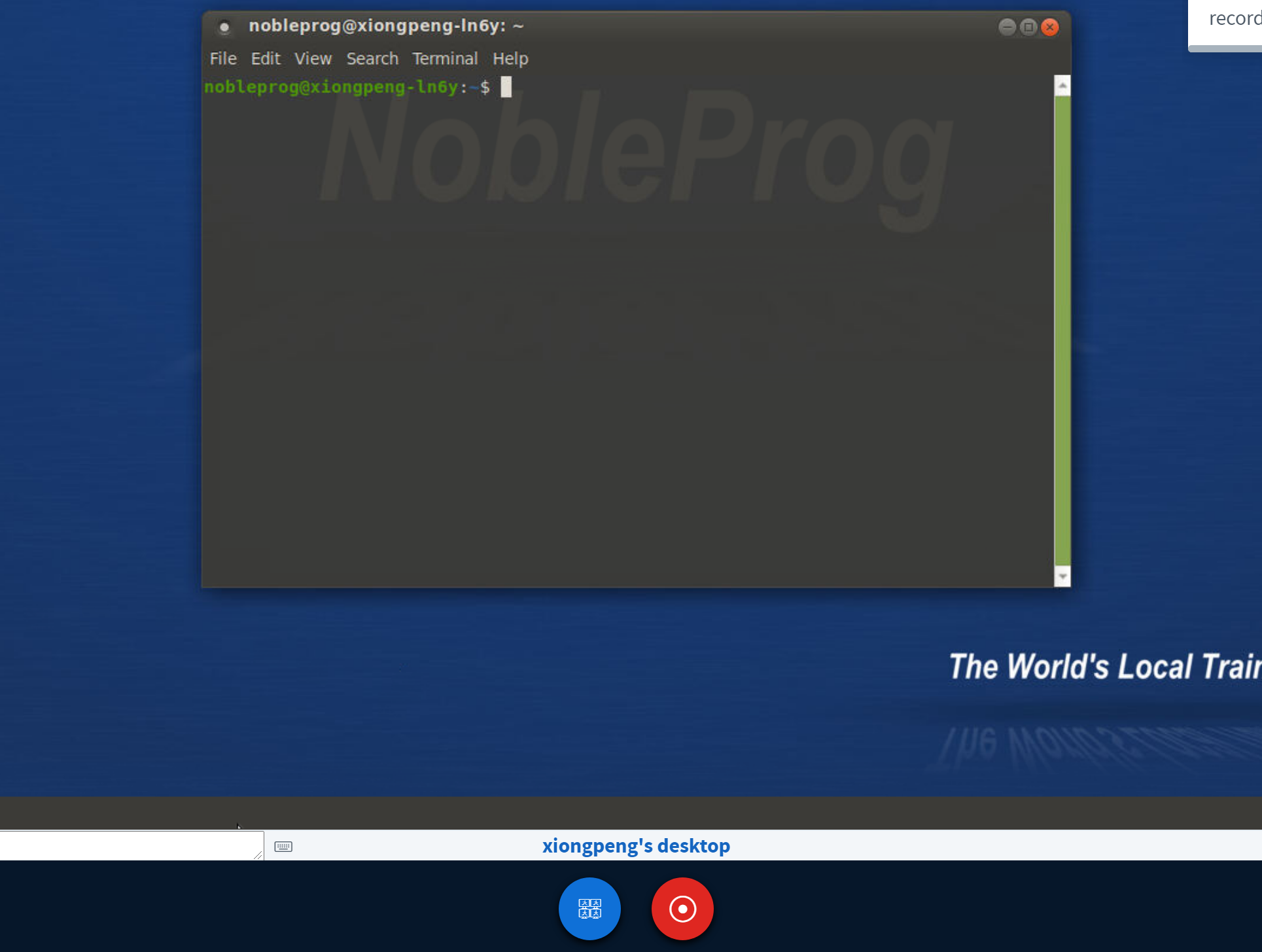
Trainer's Desktop will auto-record your session from the moment you step into the training room.
To stop it, simply tap the "red-recording" button once more.
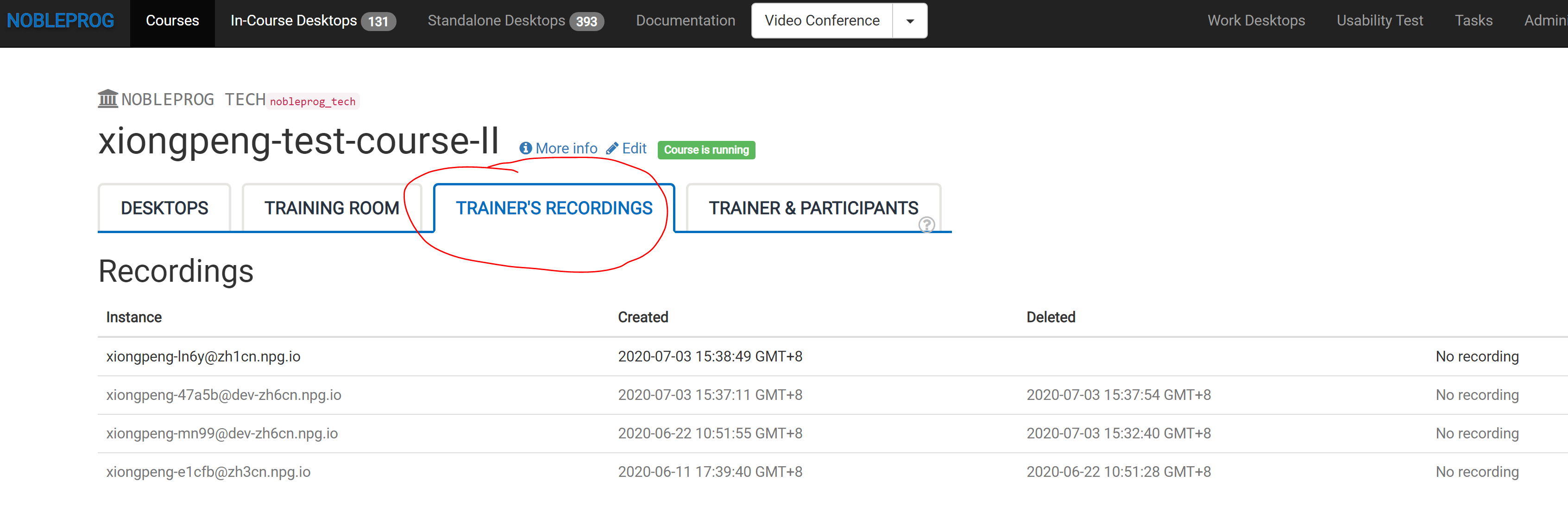
Find all your saved sessions under "Trainer's Recordings" within your course.
Take a look at the auto-session capture from your Trainer's Desktop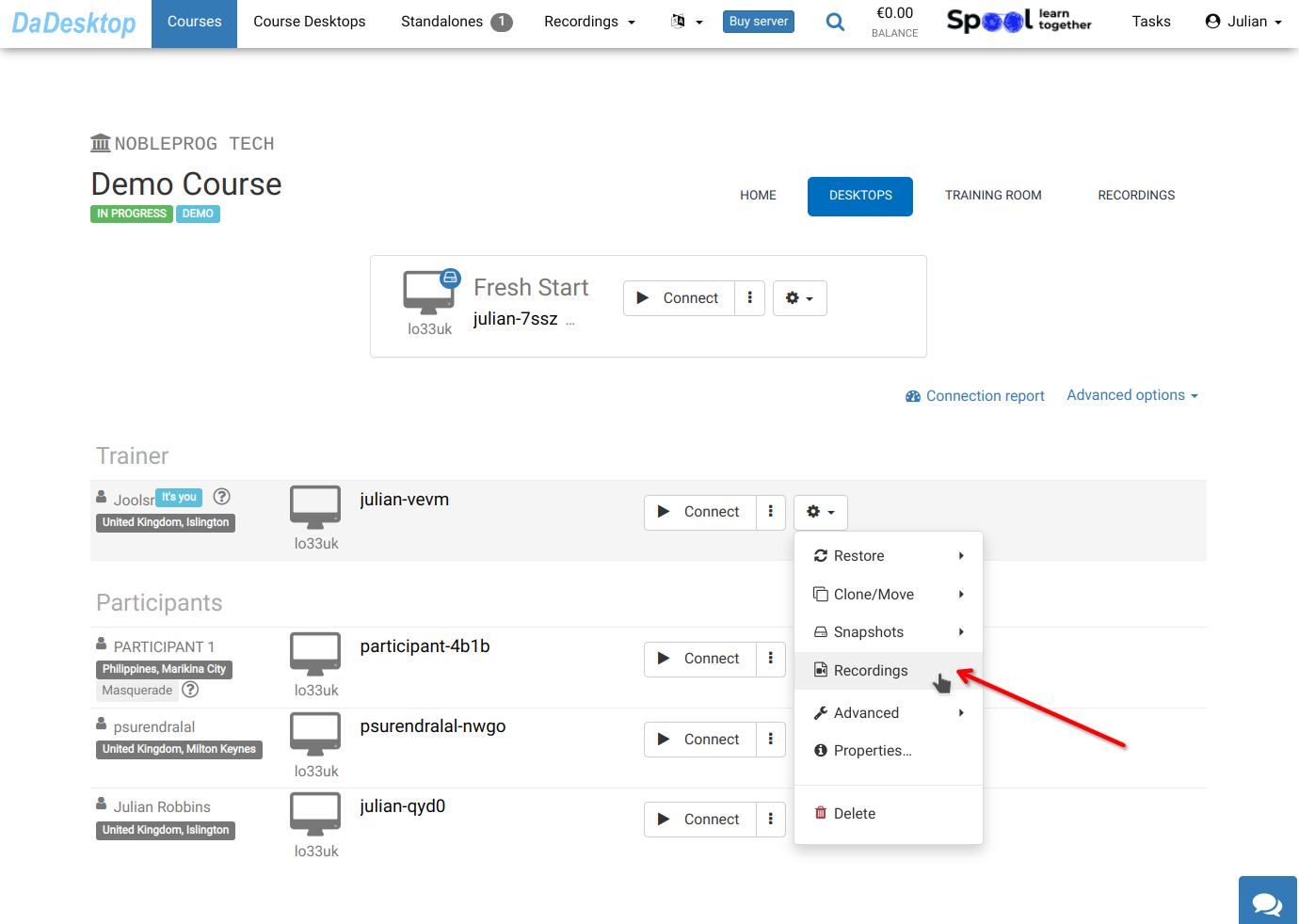
Access your recordings in the "Recordings" section. If needed, you can review and remove any file.