Course Chat
Course Chat lets trainers, participants, and support members stay connected during a live course. It's built right into the training room.
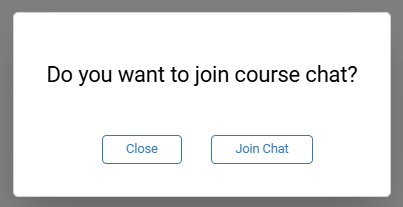
Head into the training room and you'll be invited to join the course chat—just follow the prompt that appears.
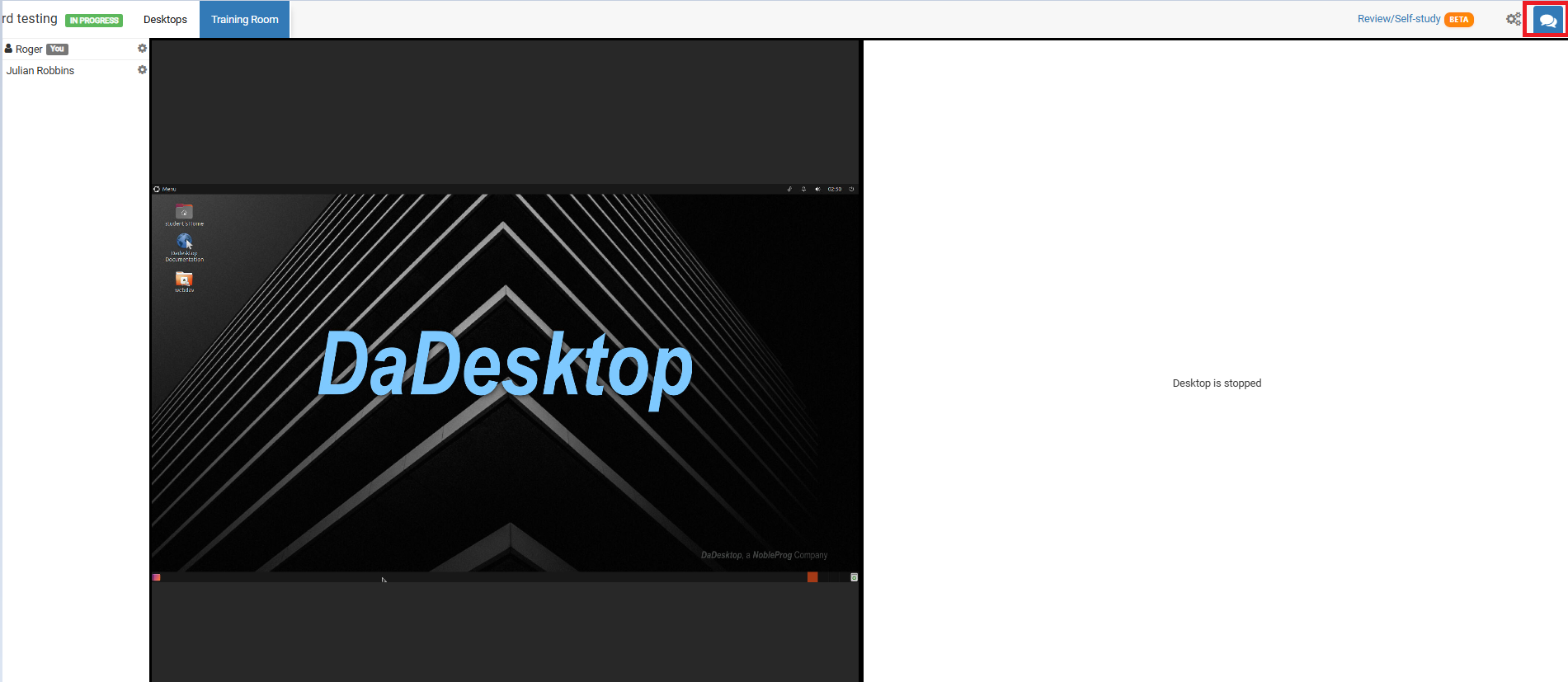
Any time you want to jump back in, click the chat icon in the top-right corner of the training room.
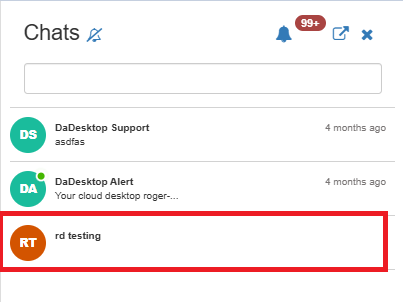
Once clicked, the chat panel slides open on the left, with your course listed there. From the top of that panel you can enable sound notifications to hear a chime whenever a new message arrives in the course chat.
;